General Capturing & Editing Rules
These guidelines apply to all photos you enter in competitions and must be followed alongside specific category rules.
- Original Work: You must capture all elements yourself using a light-sensitive device (camera, phone, or film). Composites are allowed, provided every element used is your original work.
- Editing: You must edit your own photos. No one else may edit the photo for you.
- Anonymity: Do not include your name, watermark, or copyright on the visible portion of the photo.
- Timeframe: Photos must have been taken within the past 3 years (36 months). Monthly Challenge and Multi-Club Competitions have other rules.
- Retiring Winners: If your photo wins 1st, 2nd, or 3rd place in a monthly competition, it cannot be entered into future monthly contests. This applies even if you alter the photo (e.g., cropping, retouching, or converting it to black and white).
Category Descriptions & Rules
Note: For all categories except Open Color and Open Monochrome, entries may be in color or monochrome.
- Assigned Subject: The announced subject must be clearly represented in your photo.
- Monthly Challenge: Follows the same rules as Assigned Subject, but the photo must be taken after the subject is announced.
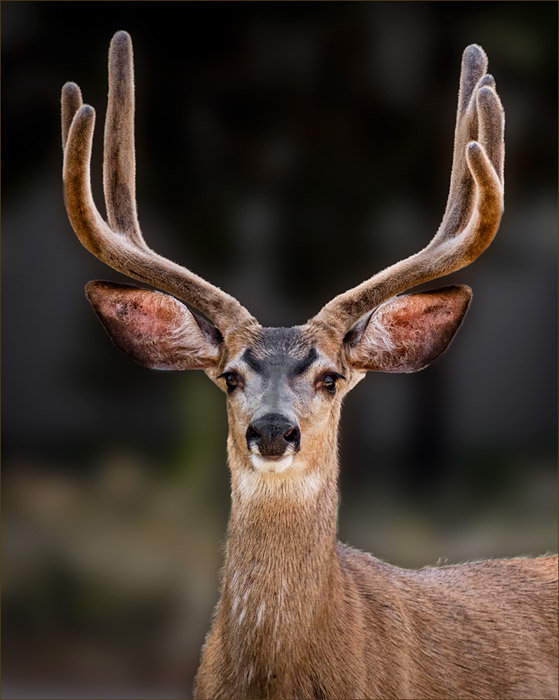
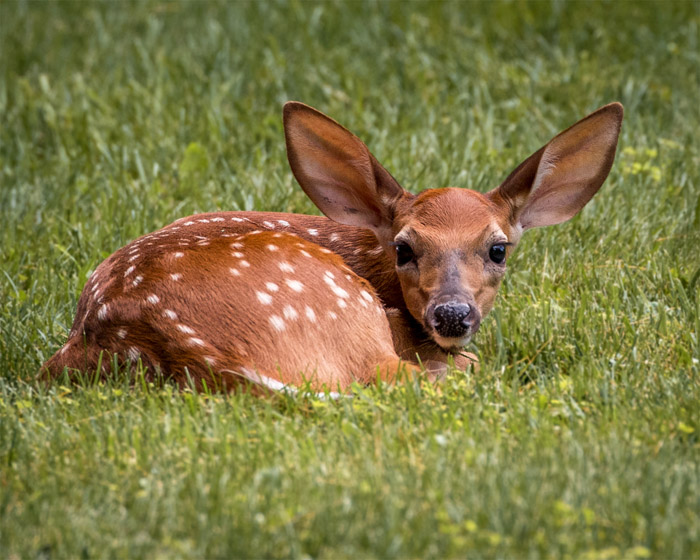
- Nature: Depicts the natural world without any human-made artifacts. Editing must maintain a natural look—no adding elements, and borders are not allowed. Banded or tagged wild animals are permitted, but domesticated animals (tame or wild) are not.
- Open Color: Any subject is allowed. The photo must contain more than one color tone.
- Open Monochrome: Any subject is allowed. The photo must be grayscale or toned in a single color throughout. Partial or spot coloring is not allowed.
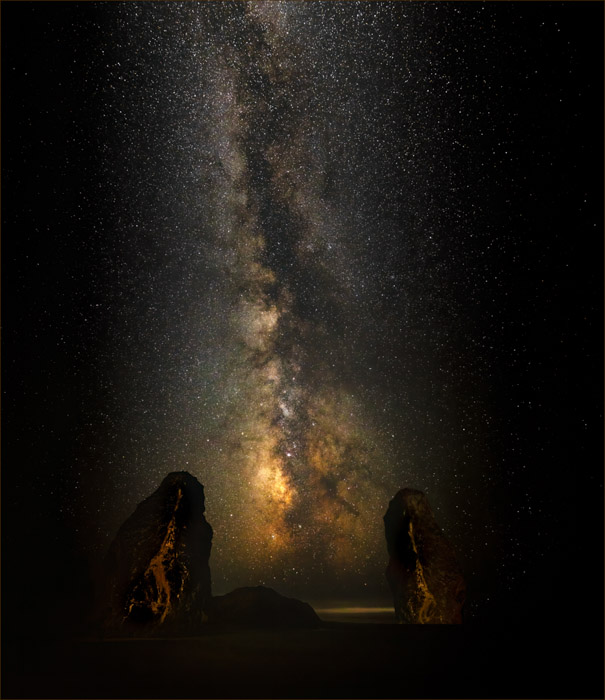
- Creative: A fresh, unique way of seeing and capturing a moment. The photo should convey an idea or message in a visually striking and thought-provoking manner.
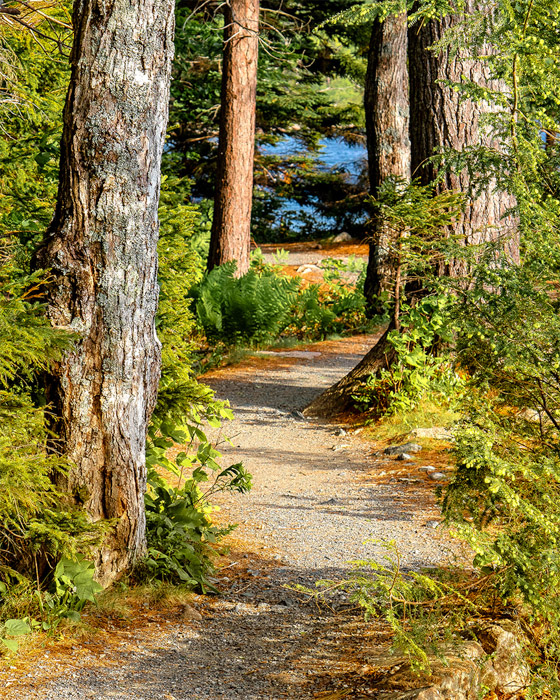
- Landscape (includes Cityscapes & Waterscapes): Focuses on capturing the natural or built beauty of the world around us, frequently featuring sweeping vistas.
See Rule Clarifications below for visual examples.
Class Distinctions
For the Open Color and Open Monochrome categories, members may choose to enter their photos in either Class A or Class B. You may not enter a photo in both classes during the same competition.
- Class A (Advanced): For experienced photographers.
- Class B (Basic): For photographers who are actively developing their skills.
Submission Guidelines
Digital Competitions
- Limits: Maximum of one photo per category.
- Size: Width of 1920 pixels and height of 1080 pixels (HDTV 1K resolution). All aspect ratios are supported. Larger photos are automatically resized to fit these dimensions.
- Process: Submit via our digital upload page.
- Deadline: Uploads are generally due by 9:00 PM on the Sunday before the competition.
Printed Competitions (Currently on Hold)
- Limits: Maximum of one photo per category.
- Labeling: Affix a club label in the upper left corner on the back of the photo. ([Download Printable Labels Here] – make this a text link)
- Mounting: Photos must be matted or mounted. No frames and no loose photos.
- Sizing: Maximum overall size is 16″ x 20″. If mounted, the minimum exposed dimension on one side is 10″. If matted, the minimum exposed dimension on one side is 9.5″.
Judges Info Session
We hold a 30-minute call with the judges a few days before each competition to review our club’s specific guidelines and expectations.
Learning Through Competition: A Note on Feedback
Competitions are a great way to sharpen your photography skills and discover new perspectives. Constructive feedback from judges is a valuable learning tool. However, remember that judging art is inherently subjective. Judges offer their perspective based on their experience, but they can’t see your original vision or thought process.
- Embrace Helpful Feedback: If a judge’s comments resonate with you (for your photo or another’s), consider how you might apply that insight to your future work.
- It’s Okay to Disagree: If you find feedback unhelpful or it doesn’t align with your artistic goals, it’s perfectly fine to acknowledge it and move on.
- Your Art, Your Choice: Ultimately, the decision to incorporate or disregard any judging comments rests entirely with you. The most important thing is that you are happy with your own photos.
Annual Competition and Exhibit
Each spring, the club holds an annual exhibition and competition featuring an external panel of judges, specific awards, and entry rules that differ from our regular monthly meetings.
Annual Entry Rules
- Maximum Entries: You may enter up to 6 photos total.
- Category Variety: You may enter a maximum of 2 photos per category.
- Uniqueness: Do not enter duplicate photos across different categories.
- Timeframe: Photos must have been taken within the past 3 years (36 months).
- Monthly Winners: Photos that placed 1st, 2nd, or 3rd in monthly competitions are eligible and highly encouraged to be re-entered so your best work can compete for Annual awards.
- Previous Annual Winners: Photos that won ribbons in previous years’ Annual Competitions may not be entered again.
Competition Categories
- Creative, Landscape, Nature, Open Color, Open Monochrome. See definitions above.
Annual Awards Our panel of outside judges evaluates the entries. A photo cannot receive more than one award from the judges (excluding the People’s Choice Award).
- Best in Show: Awarded to the most outstanding photo of the entire competition.
- Category Awards: First, Second, and Third Place are awarded within each of the five categories.
- Judges’ Choice: Each judge selects their standout choice that did not receive any other ribbon.
- People’s Choice Award: Club members vote for the photo demonstrating the strongest artistic merit. This photo is unique in that it may also receive an award from the judges.
Multi-Club Competitions
These events bring our members together with one or more regional camera clubs for a friendly but fierce head-to-head competition across a wide range of categories.
Flagpole Photographers: Specific Rules & Timeline
- Submission Limits: Proposed Change: Maximum of 1 photo per member, per category (TBD – was 2).
- Uniqueness: Proposed Change: No duplicates across categories (TBD – like competitions above).
- Selection Process: Using a “People’s Choice” vote by club members.
Selection Procedure
- Prioritize Winners: Identify all photographers who placed 1st (or tied for 1st) in at least one category. Rank these photographers by their total number of 1st, 2nd, 3rd, and 4th place finishes.
- Initial Selection: In ranked order, these photographers select which of their winning photos to enter, respecting the People’s Choice votes and the 2-photo limit.
- Fill Remaining Categories: For any category lacking a selected photo, choose the most competitive photo. Ignore photos from any photographer who has already reached the 2-photo limit.
- Strategic Review: Once the draft slate of 25 photos is complete, review the lineup for strategic adjustments. Swaps are permissible to optimize overall quality, provided they are made without changing the number of photos per photographer.
Timeline
- Uploads: Open for at least 2 months.
- People’s Choice Voting: Open for at least 1 week.
- Selection Meeting: Held at least 1 week before the competition.
Multi-Club Rules
- Timeline: Select competition date at least 2 months prior to competition.
- Originality: Photos must be taken by current members.
- Eligibility: No restrictions on when the photos were captured.
- Style: Color or monochrome allowed, unless the category specifically restricts it.
- Submissions: Each club submits 1 photo for each of the 25 categories.
- Photographer Limits: No photographer may have more than 2 photos in the competition (ensuring each club is represented by at least 13 different photographers).
- Judge Previewing: Supply the photos to the judge at least 5 days before the competition.
- Judging: A single judge will evaluate the two competing photos and select the winner in each category at the competition event.
Rule Clarification Examples
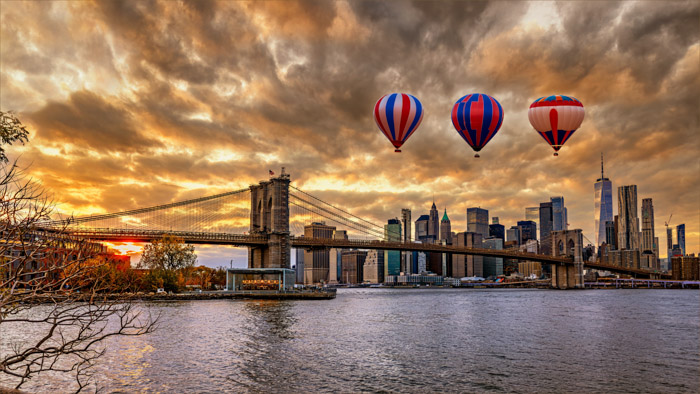
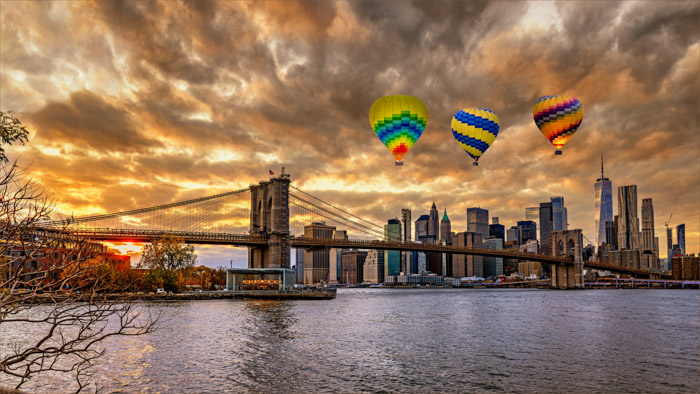
Using AI tools where you use text to describe new objects in your photos is not allowed. In the photo below, Photoshop was asked to create the three balloons using this prompt: “Exactly three very high detail hot air balloons with red, white and blue designs“.
AI Prohibited Example – since the balloons were created by AI using a text description.
Allowed Example – since the balloons were capture by the photographer and composited into the photo.
Prohibited Nature Examples
- Human-made artifacts: For example buildings, stone walls, fences, roads, utility lines, clearcuts, trails, mowed lawns, cut trees, taxidermied animals, etc …
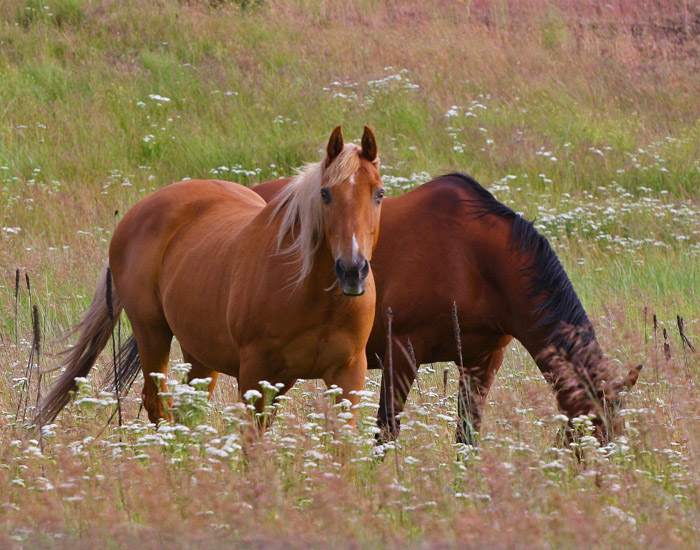
- Domesticated animals: This includes common pets and farm animals, regardless of whether they are tame or wild.
- Actions causing harm to wildlife: It is strictly prohibited to harm the welfare of any living creature in the process of capturing a photograph.
Prohibited Nature Photo Examples